01Live network
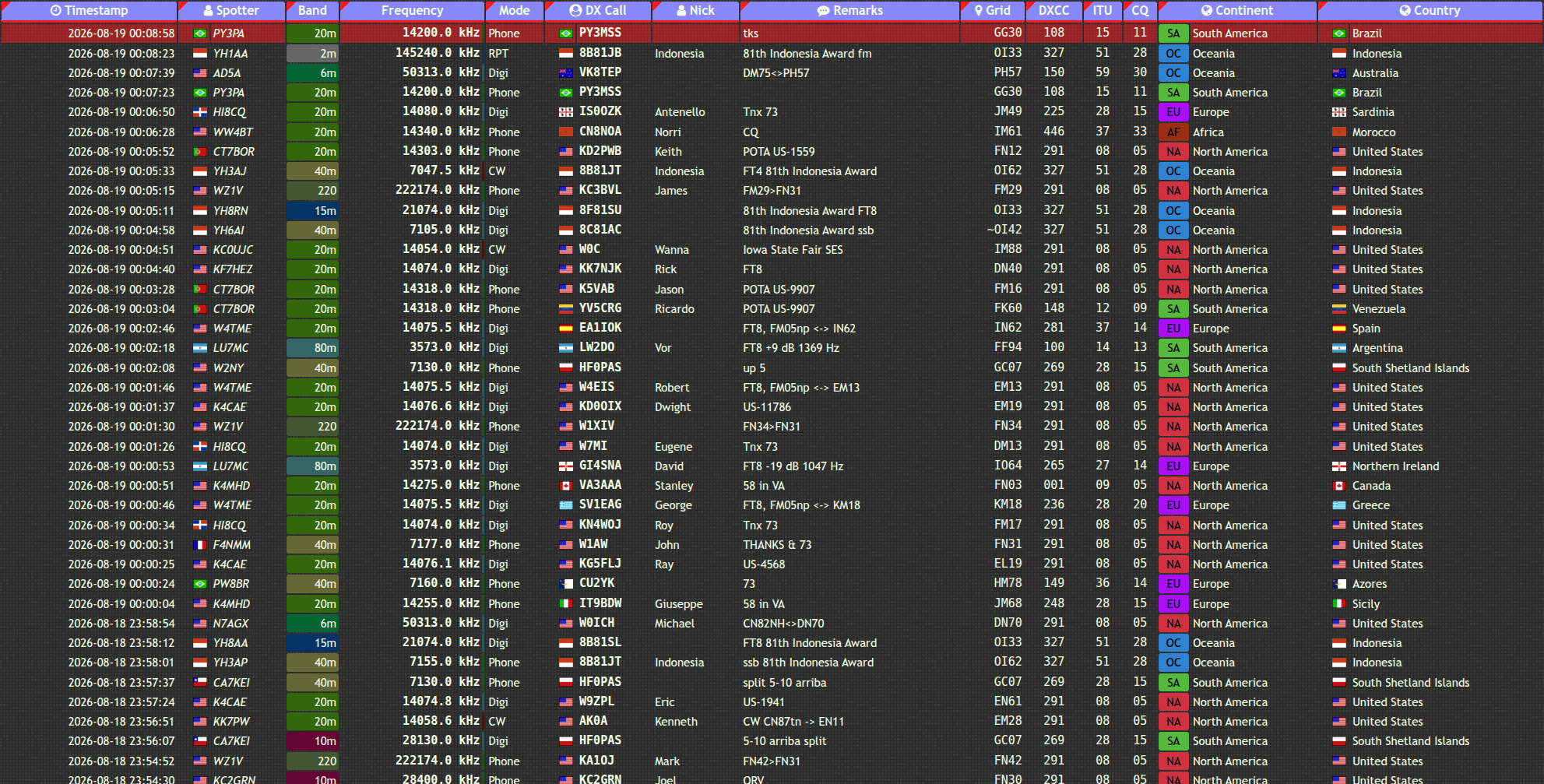
DX-Tron Cluster
A live view of the bands as they move. Follow current spots by band, mode, continent, country, and callsign.
- Real-time spot table
- Band and mode filters
- Grid, DXCC, ITU, and CQ context
cluster.dxtron.com
Public HAM RADIO services
Four focused tools for the work between a callsign and a connection: see what is moving, understand what will travel, connect directly, and build on the data.
The service set
Each service has a different job. Together they make a compact toolkit for finding activity, reading conditions, and connecting software to the HAM RADIO world.
A live view of the bands as they move. Follow current spots by band, mode, continent, country, and callsign.
Model a path before you call. Compare UTC hours and frequencies with locators, power, antenna choice, and sunspot data.
voacapl engine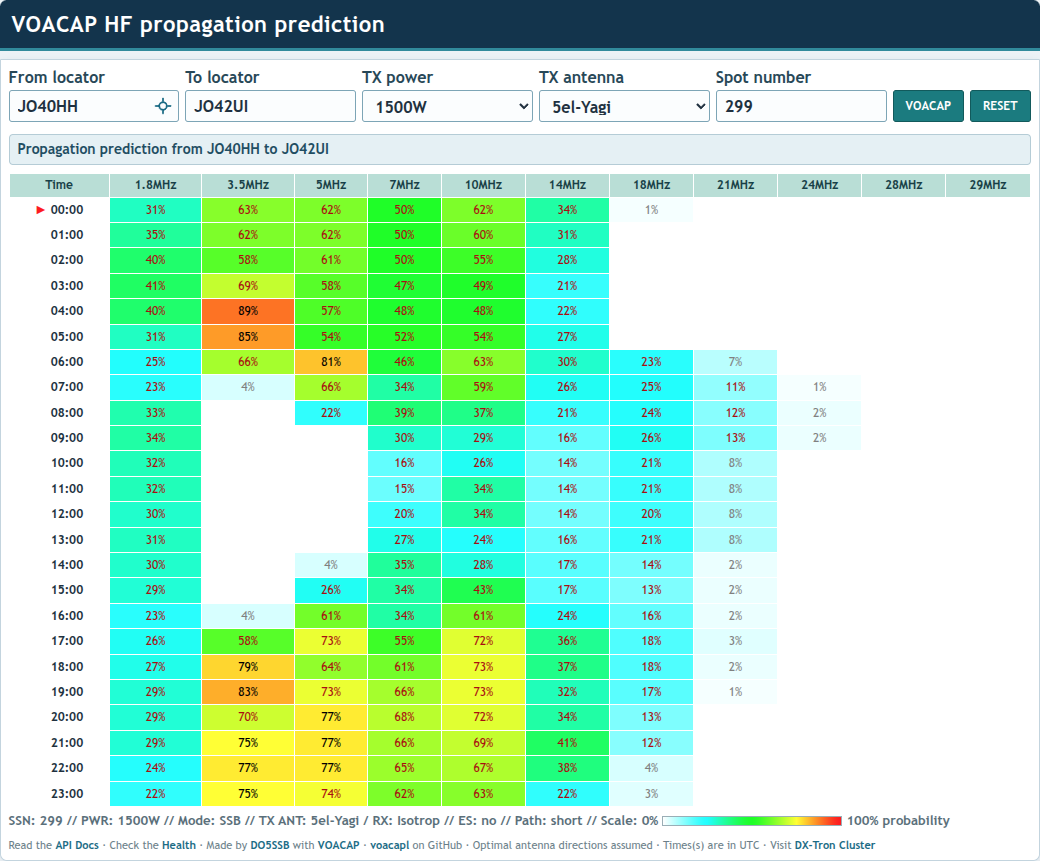
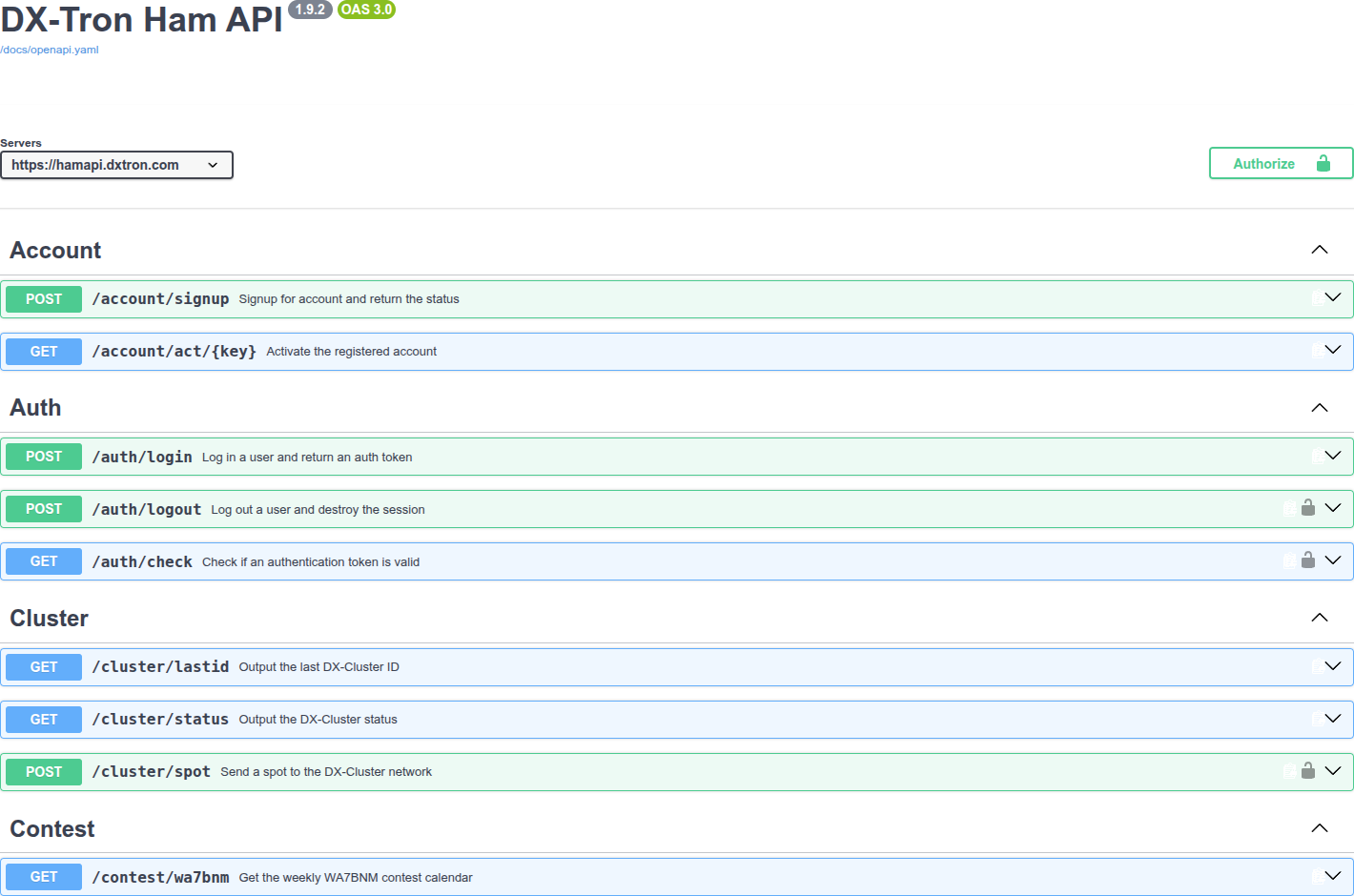
A universal API for HAM RADIO operators. Use documented endpoints for accounts, authentication, cluster data, and contest information.
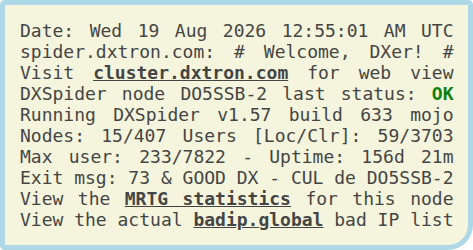
A direct Telnet gateway to the DX-Cluster network, with a public node page for status, uptime, users, and live traffic statistics.
A practical loop
Keep the workflow close to the signal. Start with what is happening now, test the path, then take the useful parts into your own tools.
Scan the DX-Tron Cluster for fresh spots and the context around them.
Use VOACAP to see how the path changes across UTC hours and HF frequencies.
Use the DX-Tron Ham API when the next useful view belongs in your own application.
One home base
DX-Tron brings the public-facing HAM RADIO services under one roof. Open a service directly, or move through the whole loop when the path calls for it.
Four services.
One direction: